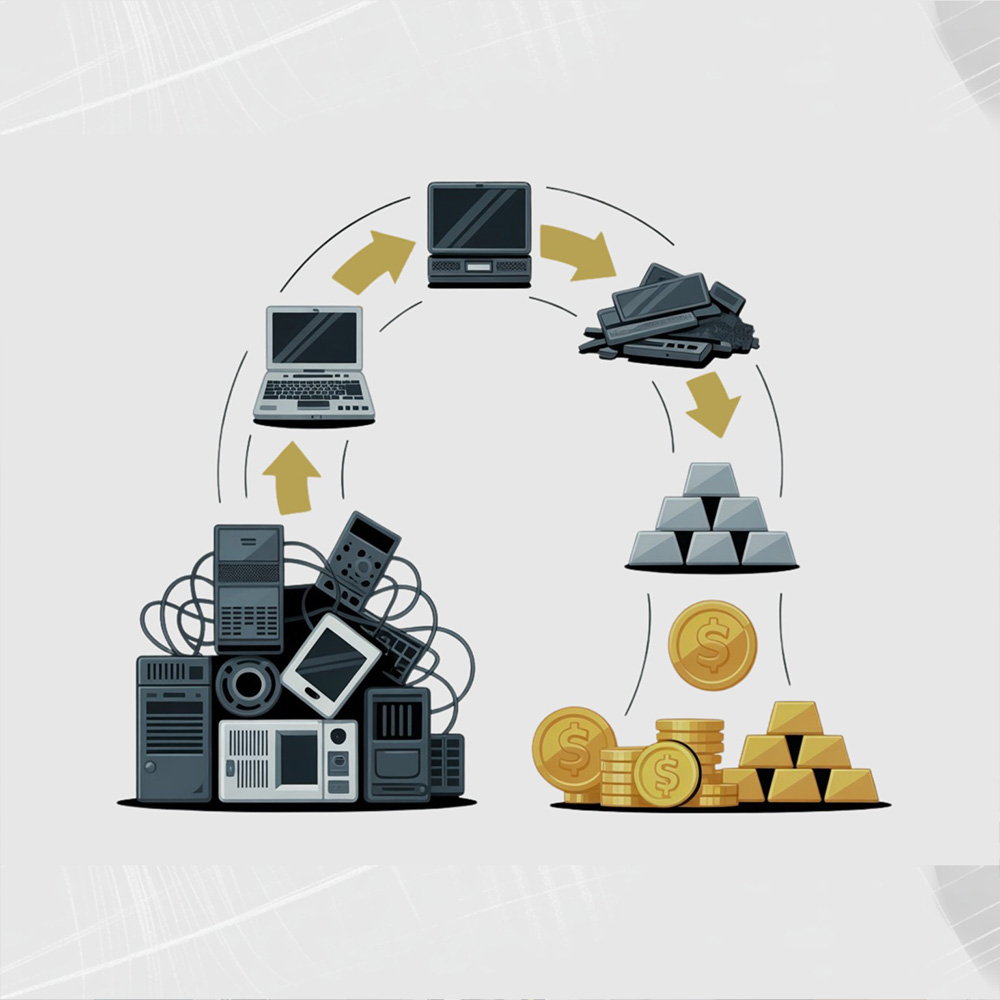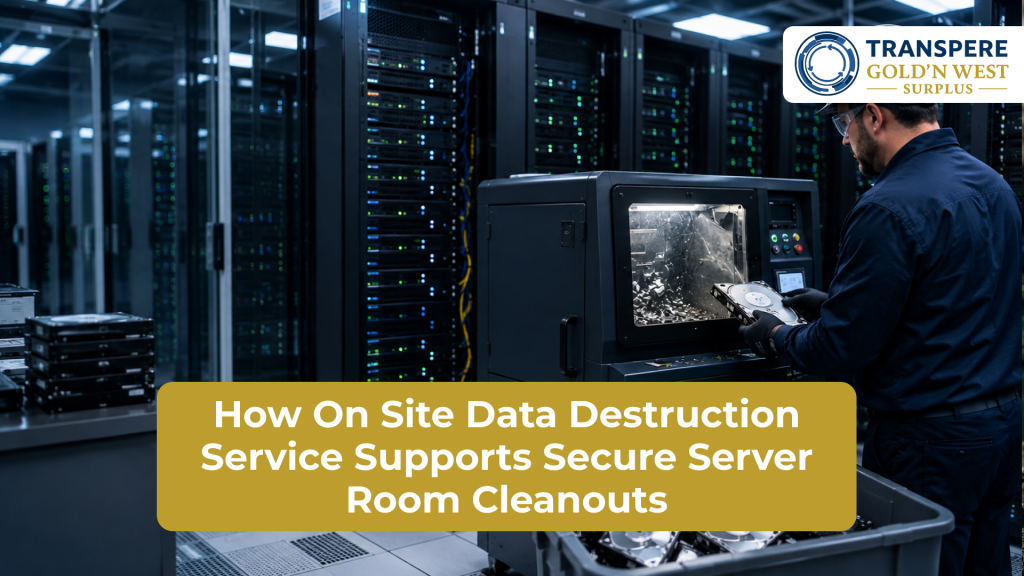
Server room cleanouts are more complicated than simply removing outdated servers, hard drives, networking equipment, and storage devices. These systems may contain sensitive business information, user credentials, customer records, backups, and other confidential data. If equipment leaves the facility before its stored information is properly destroyed, organizations can face unnecessary data security risks.
An on site data destruction service provides a practical solution by allowing organizations to destroy data-bearing equipment at the location where it is being decommissioned. Instead of transporting potentially sensitive devices to an off-site facility before destruction, businesses can arrange for secure destruction during the server room cleanout process.
Why Server Room Cleanouts Require Secure Data Handling
Server rooms often contain equipment that has been operating for several years. During an upgrade or decommissioning project, organizations may remove:
- Servers and rack-mounted systems
- Hard disk drives and SSDs
- Backup storage devices
- Network appliances
- Tape drives and backup media
- Routers and switches
- Data center storage equipment
- Retired computers and workstations
Simply deleting files or performing a basic factory reset does not necessarily provide the level of protection required for sensitive information. Storage media can potentially retain recoverable data even after normal deletion procedures.
This makes secure data destruction an important step before equipment is recycled, resold, reused, or transported away from the facility.
How On Site Data Destruction Service Works During a Cleanout
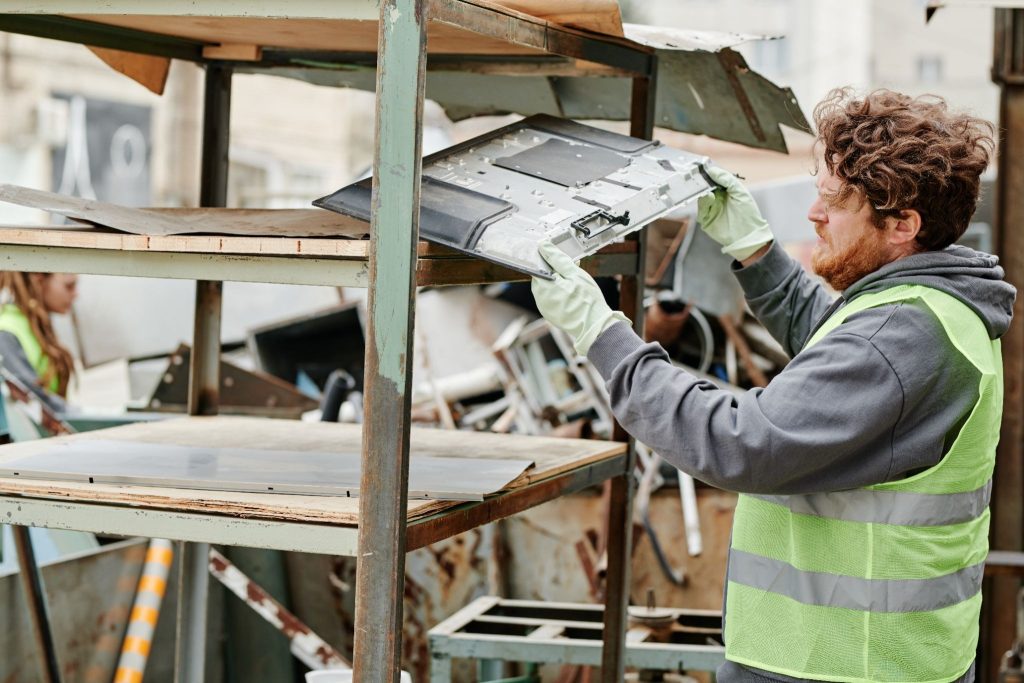
An on site data destruction service can become part of the server room decommissioning workflow. First, data-bearing equipment is identified and separated from equipment that does not require the same level of treatment.
The organization and destruction provider can then establish which devices require physical destruction based on the company’s data security policy and disposition requirements.
Once approved equipment is ready, the destruction process takes place on the business premises. Depending on the equipment and service requirements, storage media may be physically destroyed so that the information stored on the device cannot be practically recovered.
This approach allows businesses to address data security before the equipment enters transportation, recycling, resale, or further processing.
Reducing Chain-of-Custody Risks
One of the biggest advantages of an on site data destruction service is reducing unnecessary movement of sensitive equipment.
Consider a company replacing an entire server environment. If old drives are removed from the racks and transported elsewhere before destruction, there is an additional period during which those devices must be tracked and protected.
With on-site destruction, the data-bearing equipment can be handled and destroyed at the same location. This can simplify the chain of custody and reduce opportunities for devices to become misplaced or mishandled.
For businesses managing confidential information, fewer unnecessary transportation steps can make the overall disposition process easier to control.
Supporting Secure Server Decommissioning
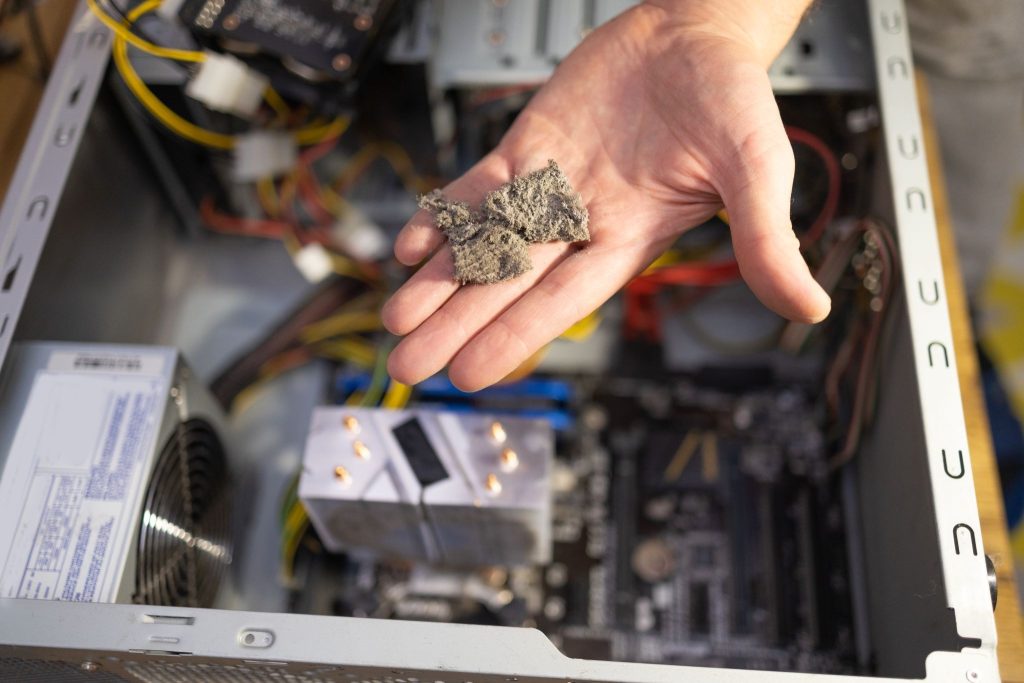
Server room cleanouts frequently happen alongside technology refresh projects. New servers may be installed while older systems are removed, creating a narrow window in which large quantities of equipment need to be processed.
A structured on site data destruction service can support this transition by addressing data-bearing devices as part of the decommissioning workflow.
A typical process may include:
- Equipment identification – Determine which devices contain storage media or sensitive information.
- Asset separation – Separate equipment according to reuse, recycling, resale, or destruction requirements.
- Data-bearing media identification – Locate hard drives, SSDs, tapes, and other storage devices.
- Secure destruction – Destroy approved media on-site using an appropriate physical destruction method.
- Documentation – Maintain relevant records showing what was processed and destroyed.
- Final disposition – Send remaining equipment through the appropriate reuse or responsible recycling channel.
Having these stages defined before a server room cleanout begins can help prevent valuable equipment or sensitive media from being overlooked.
Protecting Retired Backup Devices
Backup equipment deserves special attention during server room cleanouts. Organizations may have old backup drives, removable media, tapes, or storage systems sitting on shelves or inside retired servers.
These devices may contain copies of information that is no longer present on active systems. Simply removing the equipment from service does not automatically eliminate the information stored on it.
An on site data destruction service gives businesses an opportunity to address these retired storage devices before they leave the facility.
This is particularly useful when an organization is cleaning out years of accumulated IT equipment and cannot rely solely on employees remembering which devices previously contained sensitive information.
Improving Accountability and Documentation
Secure destruction should not only focus on the physical destruction itself. Businesses may also need documentation to demonstrate that retired assets were handled according to internal policies and applicable requirements.
A professional destruction process can provide records associated with completed destruction activities. Depending on the provider and service arrangement, documentation may include asset information, destruction details, dates, quantities, or certificates of destruction.
Maintaining appropriate records can help organizations create a clearer audit trail for their IT asset disposition activities.
Supporting Compliance and Data Security Policies
Different organizations have different data protection obligations. Financial institutions, healthcare organizations, government contractors, technology companies, and professional service firms may all handle sensitive information.
An on site data destruction service can support an organization’s broader data disposal policy by ensuring physical destruction is incorporated into the retirement process.
Businesses should establish their destruction requirements based on their own regulatory obligations, contractual requirements, information security policies, and risk assessment. A qualified provider can help organizations understand how its destruction process fits into their existing asset disposition procedures.
What About Servers That Will Be Reused?
Not every server removed during a cleanout necessarily needs physical destruction. Some equipment may still have useful value and could potentially be refurbished, resold, or reused.
The key is to distinguish between the equipment and the data stored on its media.
A server may have resale value while its original hard drives require secure treatment. Organizations can therefore evaluate equipment separately and determine which assets should be reused and which storage media should be destroyed.
This approach can help businesses protect information without automatically treating every piece of hardware as waste.
Why On-Site Destruction Can Simplify Server Room Projects
Server room cleanouts can involve multiple teams, including IT staff, facilities personnel, security teams, asset managers, and recycling or ITAD providers.
Adding an on site data destruction service to the project can help coordinate the secure handling of data-bearing equipment before it enters the next stage of disposition.
It also reduces the need for employees to temporarily store retired drives or maintain piles of sensitive equipment while waiting for transportation. Instead, approved media can be processed as part of the scheduled cleanout.
Practical Example: How GWS Can Support a Server Room Cleanout
For example, a California business preparing for a server room upgrade may have retired servers, hard drives, SSDs, backup devices, and other data-bearing equipment that need secure handling. Gold’n West Surplus (GWS) can support the cleanout by incorporating on-site data destruction into the equipment disposition process. Data-bearing media can be identified and separated from equipment intended for reuse or recycling, allowing approved devices to be securely destroyed at the customer’s location before they enter transportation. The remaining electronics can then be directed toward appropriate recycling or IT asset disposition channels. This approach helps businesses reduce unnecessary handling of sensitive equipment while creating a more organized transition from server decommissioning to final disposition.
Choosing a Professional Data Destruction Provider
Businesses should evaluate several factors before selecting an on-site destruction provider. Look for a company that can clearly explain its destruction procedures, documentation practices, security controls, and downstream disposition process.
Important questions to ask include:
- How are data-bearing devices identified?
- What physical destruction methods are used?
- Can destruction take place at the customer’s facility?
- What documentation is provided?
- How are assets tracked during the process?
- How are remaining electronics recycled?
- Does the provider follow recognized data destruction standards?
- Can the company support the volume and type of equipment involved?
A provider with experience in secure electronics recycling and IT asset disposition can help connect data destruction with the rest of the server room cleanout.
Final Thoughts
A server room cleanout should never be treated as a simple equipment removal project. Retired servers, drives, backup devices, and storage media can continue to contain sensitive information long after they have been disconnected from the network.
An on site data destruction service helps organizations address this risk directly at the point of decommissioning. By destroying approved data-bearing media before it leaves the facility, businesses can reduce unnecessary handling, strengthen chain-of-custody control, improve documentation, and support a more organized IT asset disposition process.
For organizations planning a server room upgrade, decommissioning project, or large-scale technology refresh, incorporating secure on-site data destruction into the cleanout plan can provide an important layer of protection from the moment equipment is retired through its final disposition.
FAQs
1. What is an On Site Data Destruction Service?
An On Site Data Destruction Service allows businesses to have data-bearing devices securely destroyed at their own facility before the equipment is transported for recycling, reuse, resale, or other disposition.
2. Why is data destruction important during a server room cleanout?
Retired servers, hard drives, SSDs, backup devices, and other storage media may still contain sensitive information. Secure destruction helps prevent unauthorized access to data after equipment is removed from service.
3. Can servers be reused after data destruction?
Yes. A server can potentially be reused or resold after its data-bearing storage media has been appropriately sanitized or destroyed, depending on the organization’s requirements and the condition of the equipment.
4. Does on-site data destruction reduce chain-of-custody risks?
It can. Destroying approved data-bearing media at the customer’s facility reduces unnecessary transportation and handling of devices that may contain sensitive information.
5. What should businesses look for in an on-site data destruction provider?
Businesses should evaluate the provider’s destruction methods, tracking procedures, documentation, security practices, relevant standards, equipment capabilities, and downstream recycling or ITAD processes.